

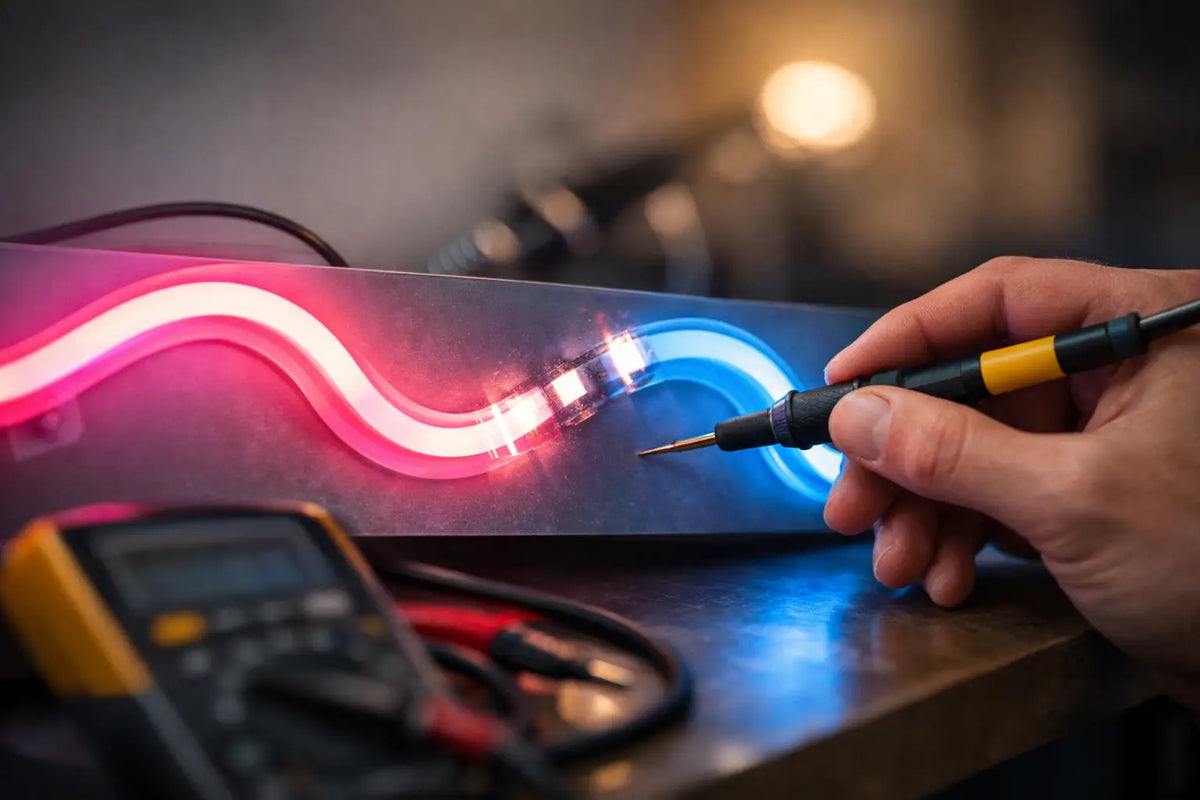
A neon sign is meant to catch the eye, accentuate interior style, or highlight your brand's logo. When an LED neon flickers, the effect quickly changes from a design statement to a distracting detail. The good news is that the cause is often not in the sign itself. It could be a loose connector, unsuitable power supply, or an electrical wiring issue that can be identified by a few clear signals.
Why LED Neon Flickers and What It's Telling You
Flickering isn't always the same, and its character can help determine where to start. Regular, rapid flickering often indicates insufficient or unstable power. If the light turns on normally and only starts to flicker after a few minutes, the power supply might be overheating. Random outages when moving the cable, on the other hand, are often related to the connector, power cord, or a loose connection.
For neon signs for businesses, it's good to pay attention to context. Does the sign flicker when you turn on the coffee maker, air conditioning, or other high-power equipment? In such a case, the neon might not be faulty, but a specific electrical circuit could be. In an apartment, issues sometimes arise when using a dimmer, a lower-quality extension cord, or a smart socket that is not fully compatible with the power supply used.
LED neon operates on low voltage, but its stability relies on the entire setup: the socket, cable, adapter, controller, and the light element itself. One weak link is enough for the glow to lose its calm, clear character.
Start with a Safe, Non-Disassembly Check
Before investigating anything, turn off the neon and unplug it from the socket. There's no need to open the power supply, cut the cable, or interfere with the electrical wiring. The first check should be simple, visual, and safe.
Check if the power cord is bent, pinched under furniture, or damaged where it enters the adapter or sign. Also, check the connectors. They should be firmly plugged in, dry, and dust-free. For models with a remote control, check if there's a loose connection between the power supply and the neon, or if the remote's cable is damaged.
Then you can plug the neon directly into another functional socket, ideally without a splitter, extension cord, or smart accessories. If the flickering disappears, the sign itself is probably fine. If it continues, move to the next step.
Rule out the Socket, Extension Cord, and Overloaded Circuit
An overloaded power strip can cause problems even for new lighting. Especially in a restaurant, salon, or shop, a single location might have a cash register, chargers, speakers, decorative lights, and other electronics plugged in. The neon can then react to short voltage fluctuations.
Try the sign in a different socket, preferably on a different circuit. If it lights up steadily in the new location, it's time to address the socket, extension cord, or appliance distribution. If other lights in the area are also flickering, do not attempt improvised repairs. That's a signal for a qualified electrician.
The Most Common Cause: The Power Adapter
The adapter converts mains voltage to the value that the LED neon requires. It must have the correct parameters, sufficient power, and be designed for the specific type of sign. When the power supply is weak, overheats, or gradually fails, the LED neon may flicker, pulsate, dim, or turn off spontaneously.
Never choose a replacement adapter based solely on whether the connector fits. The voltage, polarity, connector type, and required power must match. A higher current reserve of the power supply itself is not an issue if other parameters match. Incorrect voltage, however, can damage the neon or significantly shorten its lifespan.
Also, pay attention to the temperature. A slightly warm adapter during operation can be normal. However, if it's very hot to the touch, emits a smell, hums, or has visible deformities, unplug it immediately. Do not use such a power supply again, even if it lights up normally for a short time after cooling down.
Dimmer and Smart Control Are Not Always a Good Combination
Some LED neons support dimming or remote control, while others are designed for stable, full-power operation. Connecting to a classic wall dimmer without compatibility can cause flickering, uneven brightness, or power supply buzzing.
Similarly, some smart sockets, timers, or cheap Wi-Fi modules can supply power unstably with low loads or certain regulation methods. If the problem appeared after adding new control, temporarily plug the neon directly into the socket. A stable glow is a clear answer.
When the Problem Might Be Directly in the Neon Sign
Modern LED neon is not a fragile glass tube like classic neon. However, it is still a lighting product that can be damaged by a fall, strong cable pull, moisture, or careless handling during moving. A problem in the sign itself is more likely when only a certain part of the sign, one color, or a specific letter flickers.
Also, pay attention to visible cracks in the silicone LED profile, damage to the acrylic backing, or contact with water. An indoor neon does not belong in a bathroom, on an outdoor facade, or in an area with high humidity, unless it has appropriate IP rating. Moisture can cause not only light fluctuations but also corrosion of contacts and a safety hazard.
For custom signs, the advantage is that you know for what space the design was created. A sign behind a bar needs a different type of installation than a logo in a reception area, or a sign on a covered terrace. The correctly chosen format, power supply, and mounting method protect both the resulting effect and long-term functionality.
How to Distinguish a Minor Fault from a Reason for Complaint
A minor issue you can often solve yourself is a loose connector, a faulty extension cord, a dead remote battery, or incompatible smart accessories. If, after plugging into another socket and checking connections, the light shines without outages, there's no need to look for a more complex error.
Consider a complaint or service when the neon flickers even when plugged directly into a verified socket, you are using the original accessories, and the fault still persists. The same applies if only part of the sign lights up, the power supply heats up unusually, or the problem arose without any obvious change in the connection.
Before contacting the seller, prepare a short video of the fault and a photo of the connection including the adapter and connectors. This will help the service quickly distinguish whether it's the power supply, controller, cable, or the lighting part. You'll save time and restore visual certainty to your space much sooner.
Don't Underestimate Flickering in a Business
In a cafe, beauty salon, or showroom, a neon is not just decoration. It's a landmark, a backdrop for photos, and often the first detail a customer notices from the street or upon entry. Irregular flickering can therefore disrupt the atmosphere and the impression of the entire brand, even if the interior is otherwise perfectly thought out.
Install the sign where the cable will not be permanently strained, the adapter enclosed in a tight, unventilated cabinet, or the structure exposed to steam and frequent contact with water. In operation, it's worth giving the power supply its own safely accessible socket. During maintenance, you can then easily identify what exactly is plugged in and don't have to search for the switch among other equipment every evening.
At AtmoSvetla, LED neons are created with an emphasis on transforming an idea into a striking lighting element, not another worry in the interior. But if the light loses stability, proceed calmly and systematically. One well-checked connector or a correctly chosen power supply often returns exactly what the sign should have: a clean glow that holds attention where you want it.